1
Getting Started
- Download NexCore from the official Modrinth page.
- Place the plugin JAR into your server's
plugins folder.
- Start the server once to generate NexCore's configuration files.
- Review the public configuration files such as
config.yml, modules.yml, storage.yml and language files.
- Restart or reload only after your basic configuration is complete.
Tip: enable only the modules your server really needs. NexCore is designed to work as a modular core rather than forcing every feature to stay active.
2
Module Overview
Travel & UtilityHomes, warps, teleportation, spawn, random teleport and time/weather tools.
EconomyEconomy balances, payments, leaderboards, history and personal banking.
Player SystemsRanks, chat features, nicknames, AFK, profiles, rules and utilities.
Staff & AdministrationModeration, staff tools, reports, tickets, admin panel, maintenance and player management.
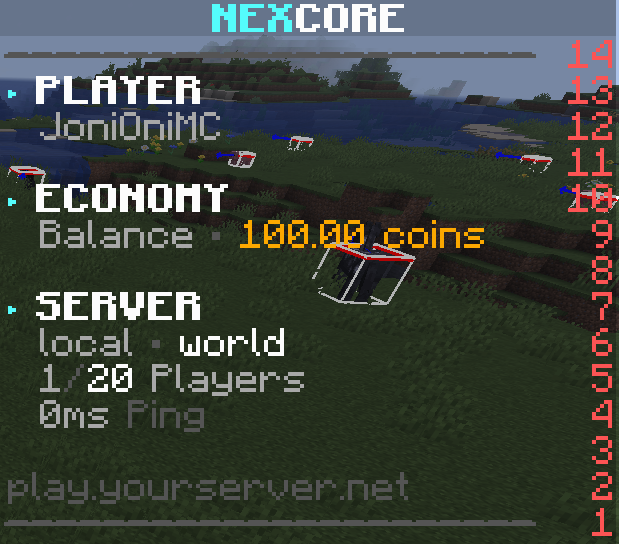
PresentationScoreboard, tablist, nametags, holograms, menus and presentation-related features.
Progression & RewardsKits, daily rewards, playtime rewards, broadcasts and analytics-related features.
Complete Command Reference
Search the public commands available in NexCore by name, usage or module.
Complete Permission Reference
Search the complete public NexCore permission catalog. Permission nodes stay exact so you can use them directly in your permissions plugin.
Complete Placeholder Reference
Search NexCore placeholders for player, economy, banking, server, world, reward, moderation and display values.
3
Configuration Files
YML
config.yml
General language and global plugin behavior.
YML
modules.yml
Enable or disable modules and configure public per-module settings.
YML
storage.yml
Choose between SQLite, MySQL and MariaDB storage options.
YML
gui.yml
Configure supported menus and public GUI behavior.
YML
custom-commands.yml
Adjust publicly configurable custom commands if used on your server.
TXT
Language files
Messages are available in multiple languages including English and German.
4
Public Integrations
VaultPlaceholderAPILuckPermsWorldGuardGriefPreventionLandsTownyDiscordSRVProtocolLibNexCoreBridge
These integrations are described only from the user-facing perspective. The documentation intentionally does not expose internal implementation or backend details.
?
Frequently Asked Questions
Does NexCore work on Spigot?Yes. Spigot is the primary target platform and Paper compatibility is retained.
Can I use only some features?Yes. NexCore is modular, so you can enable only the systems your server needs.
Which storage options are available?NexCore supports SQLite, MySQL and MariaDB as public storage options.
Where can I get support?Use the official Discord, this documentation and the Veronix Plugins website for public project information.
Get NexCore
Ready to install NexCore?
Download the official release from Modrinth and use the public documentation for setup, permissions and configuration.