Homes, Warps & Teleports
Give players reliable travel tools with homes, public warps, teleport requests, return locations, spawn management and safe random teleportation.
/home/warp/tpa/rtp
NexCore combines the most important server systems into one modern experience — from homes, warps and teleportation to economy, banking, moderation, administration, reports, world tools and polished player-facing displays.
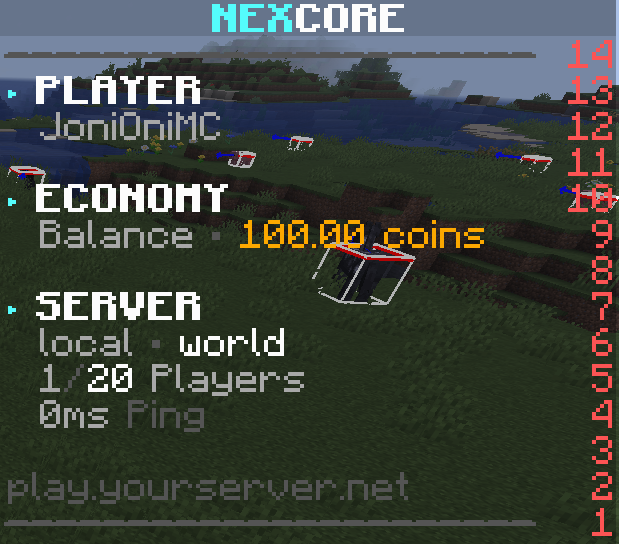
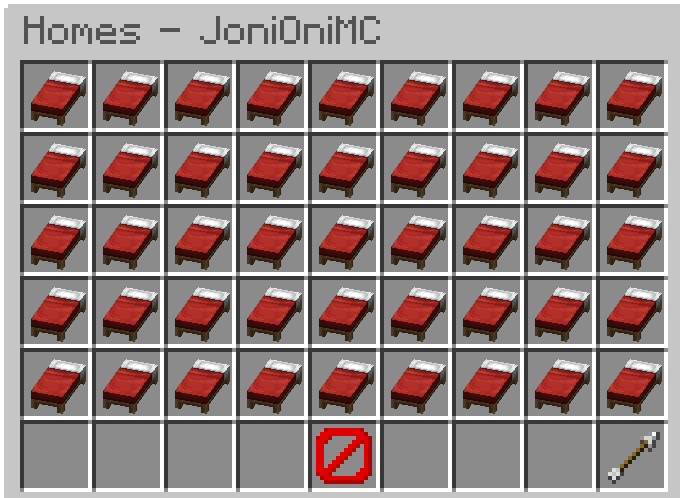
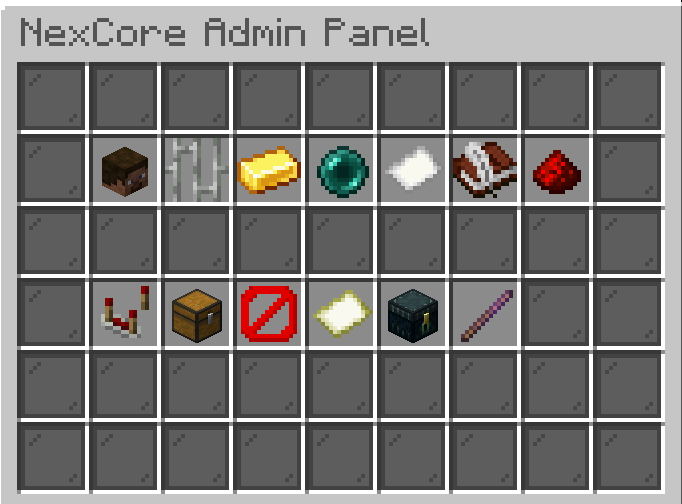
Enable the systems your server actually needs and present players with a consistent, premium-quality experience instead of stitching together countless disconnected plugins.
Give players reliable travel tools with homes, public warps, teleport requests, return locations, spawn management and safe random teleportation.
Manage balances, payments, leaderboards, transaction history and personal bank accounts from one unified economy system.
Support staff workflows with reports, warnings, punishments, freeze, jail, notes, vanish and additional administration utilities.
Show scoreboards, tablists and nametags with a polished presentation layer for players and staff.
Create daily rewards, playtime rewards and kits with player-friendly access and configurable behavior.
Use an ingame admin panel together with central server management tools for faster day-to-day operations.
NexCore covers homes, warps, economy, banking, chat, rules, reports, tickets, displays, rewards, holograms, profiles, maintenance, utilities, world management, analytics and more — while still letting you enable only what fits your server.
Players can manage homes, move through warps, interact with the economy, use personal banking features and enjoy a more polished server experience through clean menus and a consistent presentation style.
NexCore helps staff handle everyday operations more efficiently with integrated management panels, reports, moderation workflows, banking administration and general server tools.
NexCore brings player-facing systems, staff workflows and server administration together without exposing unnecessary complexity to your community.
Homes, banking and other player systems can be accessed through clean inventory-based interfaces instead of relying only on command memorization.
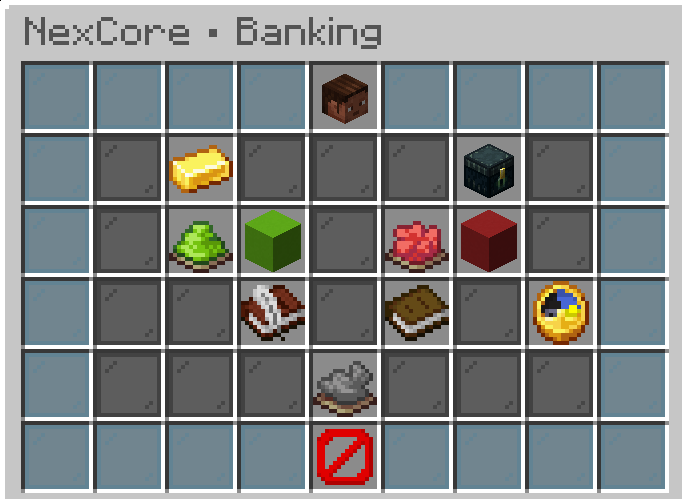
Use the admin panel, reports and moderation features to keep common staff tasks structured and accessible.
02Scoreboards, tablists, nametags and presentation features help NexCore feel consistent across the server.
03Keep the experience focused by enabling the NexCore modules that match your server concept.
04The documentation now includes searchable public references for the NexCore command, permission and placeholder surface.
05Official interface previews from NexCore's homes, admin, banking, reports, display and world-management systems.
These examples show useful combinations of existing NexCore modules for common server types. They do not introduce or imply additional plugin features.
A strong foundation for classic survival communities with travel, economy, rewards and moderation.
Focused on player communication, profiles, rules, support workflows and consistent presentation.
Combines central server tools with server selection, presentation and network-facing NexCore features.
Economy, banking and travel systems provide a practical base for economy-focused gameplay.
A leaner combination focused on presentation, server selection, menus and general player utilities.
Start with a compact core and activate additional systems later as your server grows.
This comparison shows the organizational difference between a setup made from multiple independent plugins and a modular core plugin. It does not rate or criticize any specific third-party plugin.
Note: the actual feature set of a multi-plugin setup always depends on the plugins selected by the server owner.
See the current version, compatibility, user-facing release highlights and public roadmap status.
NexCore currently targets Minecraft 1.21.x. Broader 1.20+ compatibility is planned for a future update.
Spigot is the primary target, with Paper compatibility retained.
A small preview of common commands. The complete public reference is available in the documentation.
/nexcoreOpen the main NexCore command for status, help and administration.nexcore.core.use/home [name]Teleport to one of your saved homes.nexcore.homes.teleport/warp <name>Teleport to a configured public warp.nexcore.warps.teleport/tpa <player>Send a teleport request to another player.nexcore.teleportation.tpa/balance [player]Check an economy balance.nexcore.economy.balance/bankOpen and manage your personal bank account.nexcore.banking.use/report <player> <reason>Create a report for staff review.nexcore.reports.create/adminpanelOpen the ingame administration panel.nexcore.adminpanel.usePublic configuration covers messages, modules, gameplay settings, rewards, economy behavior, GUIs, display options, language settings and storage options.
modules:
  homes:
    enabled: true
    default-limit: 3
    teleport-warmup: 3s

  warps:
    enabled: true
    default-category: general

  economy:
    enabled: true
    starting-balance: '100.00'

  banking:
enabled: trueExplore installation steps, module overviews, commands, permissions, placeholders, integrations and public configuration examples in the full NexCore documentation.
Use the official support channels for setup guidance, questions, bug reports and feature feedback.
Installation, commands, permissions, placeholders and configuration.
Community support, announcements and additional NexCore information.
Get NexCore from the official Modrinth project page.
Legal information, imprint, privacy and project-wide pages are provided there.
Build your server on a cleaner, modular foundation with polished systems for both players and staff.
Official download: Modrinth · NexCoreThe NexCore product page is a subpage of Veronix Plugins. Legal information such as imprint, privacy details and other website-related legal pages can be found on veronix-plugins.de.